MapSculpt

YOUR TRAVELS, YOUR MAP

Create Your Own Travel Map

Turn your travels into a map. Color the countries and states you've visited, highlight destinations on your bucket list, and create a personalized map to share.Color the places you've visited, mark your next destinations, and download a travel map that's yours.

Create My Travel Map

Free online map maker · Customize and download as PNG

WORLD TRAVEL MAP

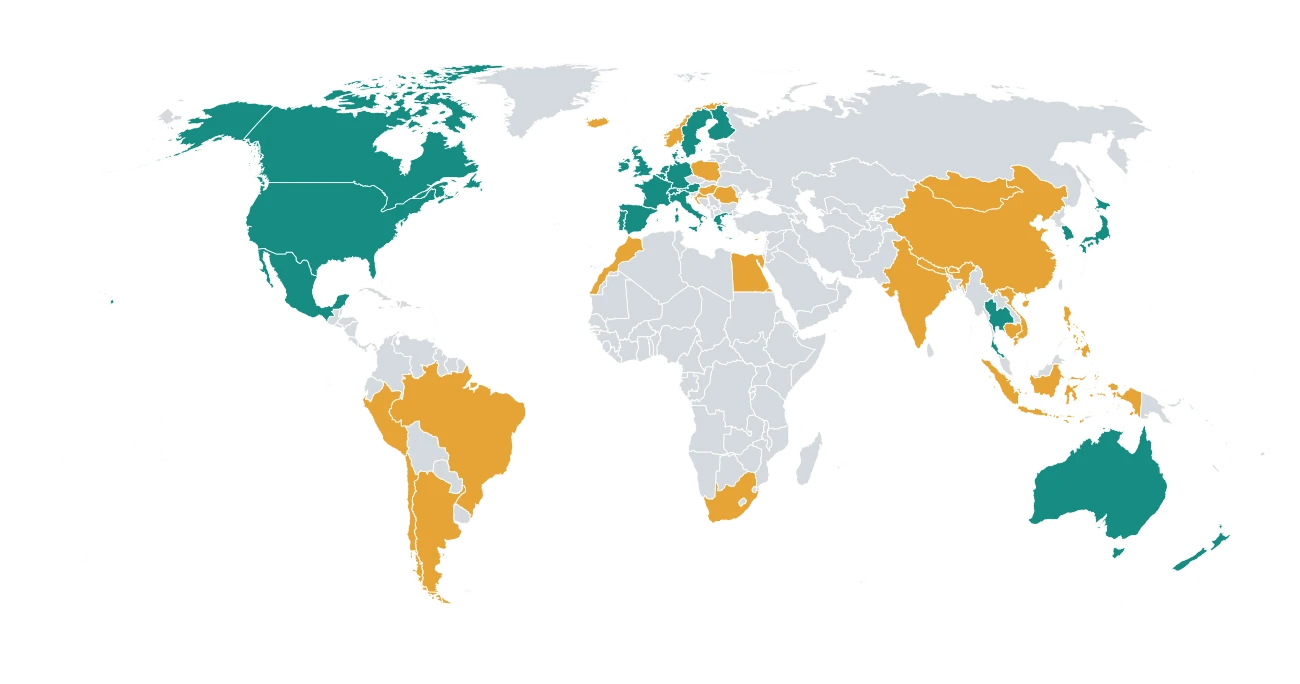
World map with countries color-coded as visited, want to visit and not visited in an illustrative personal itinerary.
  • Visited
  • Want to visit
  • Not visited
Illustrative travel map created with MapSculpt
World map with countries color-coded as visited, want to visit and not visited in an illustrative personal itinerary.
  • Visited
  • Want to visit
  • Not visited

Illustrative categories · Custom colors

MAKE IT PERSONAL

Every trip tells a story. Make yours visible.Visited. Want to visit. Not visited.

Use colors to remember where you've been, highlight your travel bucket list, and see what's still left to explore.Color countries and states you've visited. Highlight the places you'd like to explore next.

Visited
The countries and states you've already explored.
Want to visit
The destinations you're planning or dreaming about.
Not visited
All the places still waiting to be discovered.

These are manually assigned colors, not automatic travel-history tracking.

Choose your travel map

HOW IT WORKS

How to Create a Map of Places You've VisitedMake Your Travel Map in 4 Steps

Making your own travel map is simple. Choose a geography, color the places you've visited, and customize the result.

  1. 01

    Choose your geographyChoose

    Start with a World, Europe, Asia, or US States map.Pick World, Europe, Asia or US States.

  2. 02

    Color places you've visitedColor

    Choose a color and fill in the countries or states you've explored.Fill in the places you've visited.

  3. 03

    Add your bucket listPlan

    Use another color for destinations you'd like to visit next.Highlight destinations you want to visit.

  4. 04

    Customize and downloadExport

    Add a title and legend, choose your map style, and export a PNG.Customize and download a PNG.

TRAVEL MAP FEATURES

Make every map your own.

Color Individual Places

Choose colors for countries, states, and supported regions.Choose colors for countries and states.

Custom Categories

Organize visited and future destinations into groups.Group visited and future destinations.

Titles and Legends

Add context to explain the colors on your map.Add context to your map.

Beautiful Map Styles

Choose a design that suits your travel story.Choose your favorite visual design.

Custom Backgrounds

Use light, dark, or transparent backgrounds.Light, dark or transparent.

High-Resolution PNG

Download a finished image ready to share.Export a map ready to share.

YOUR TRAVEL STORY

A map you'll want to keep and share.A map you'll want to keep.

Turn a simple list of destinations into a travel map that looks great in a journal, presentation, blog, or social-media post.Create a visual record of the places you've explored.

TRAVEL JOURNAL

Remember where you've been

Create a visual record of the places you've explored.

These are manually assigned colors, not automatic travel-history tracking.

TRAVEL MAP IDEAS

Remember where you've been

Create a visual record of the places you've explored.

Plan where to go next

Highlight the destinations you'd love to visit.

Share your travel story

Download a map for your blog, social media, or travel journal.

Illustrative example · Not actual travel data

These are manually assigned colors, not automatic travel-history tracking.

TRAVEL MAP IDEAS

  • Visited
  • Want to visit
  • Not visited

COMMON QUESTIONS

Travel map maker FAQTravel map FAQ

How can I create a map of countries I've visited?How do I map visited countries?

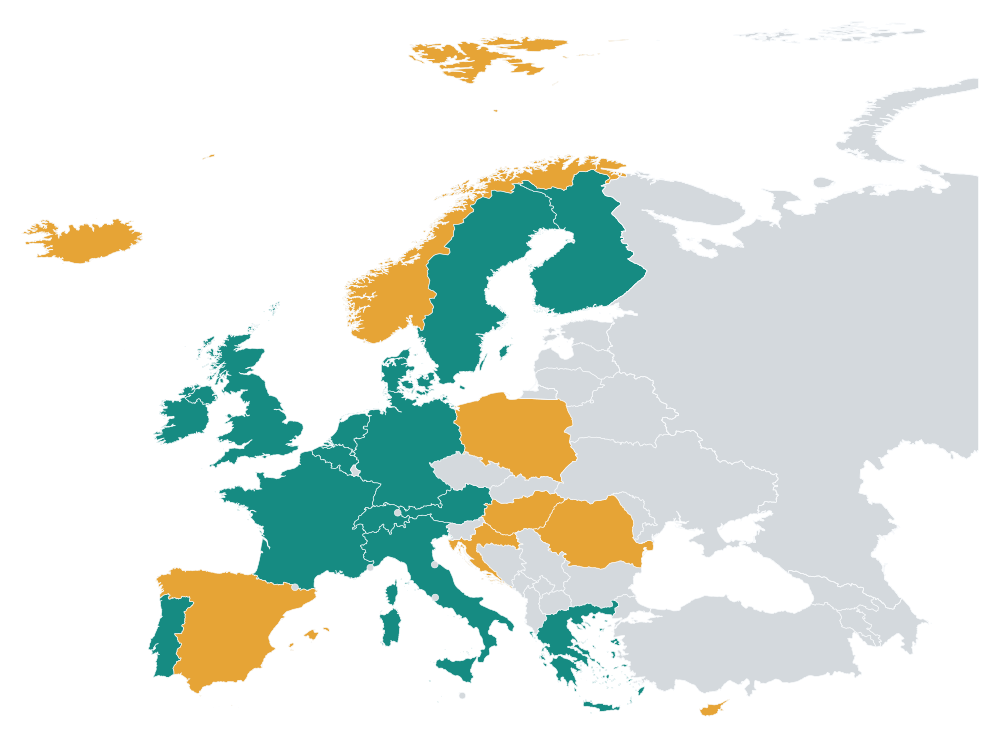
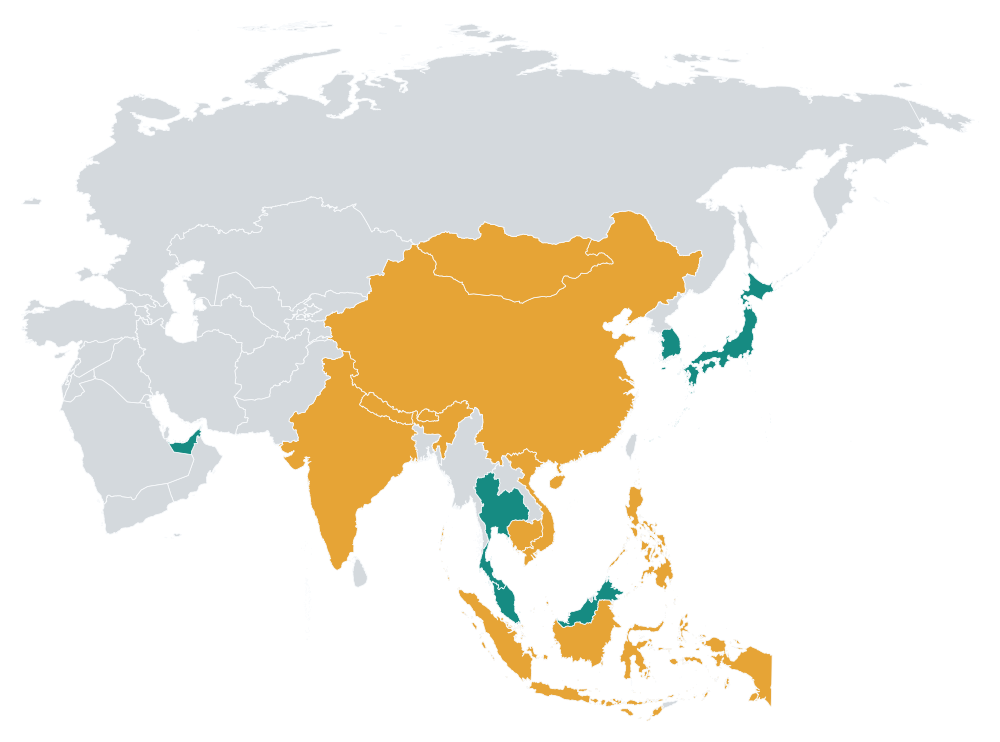
Choose the World map in MapSculpt, select a color, and fill in the countries you've traveled to. You can add a legend and title before downloading your finished travel map as a PNG.Choose World and color countries you've explored.

Can I make a map of US states I've visited?Can I map US states?

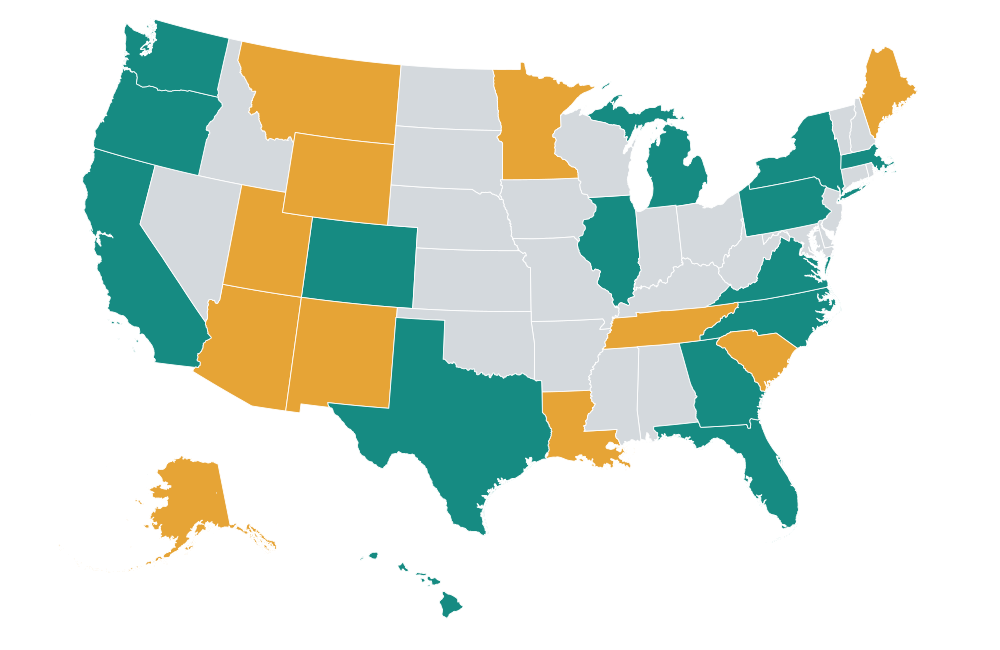
Yes. MapSculpt has an editable US States map where you can color individual states, highlight future destinations, and create a personalized road-trip map.Yes. Use the editable US States map.

Can I mark countries I want to visit?Can I mark my bucket list?

Yes. Use a different color for countries on your travel bucket list. You can create custom categories such as Visited, Want to visit, and Not visited.Yes. Use another color for future destinations.

Can I customize my travel map?Can I customize the map?

Yes. You can change colors, create categories, add a title and legend, and choose from different map styles and backgrounds.Yes. Add custom colors, titles and a legend.

Can I download and share my travel map?Can I download my map?

Yes. MapSculpt lets you export your finished travel map as a PNG image that you can use in travel journals, presentations, blogs, or social-media posts.Yes. Export it as a PNG.

Can I mark individual cities or draw travel routes?Can I mark cities or routes?

MapSculpt currently focuses on coloring geographic areas such as countries, states, and supported regions. It is not a city-pin tracker or an automatic route-planning tool.Not currently. MapSculpt colors geographic areas.

Can I share my travel map on Reddit?Can I share my map on Reddit?

Yes. You can create a custom travel map in MapSculpt, add a title and legend, and download it as a PNG to share on Reddit. Check the rules of the subreddit before posting. Communities such as r/MapPorn may require an [OC] tag for original maps, and some subreddits have specific rules for travel maps or personal content.Yes. Export a PNG, check each community's rules, and include [OC] when required for original maps.

YOUR NEXT MAP STARTS HERE

Your travels deserve a map.

Whether you're remembering past adventures or planning the next one, create a personalized map of the places that matter to you.Remember past adventures and plan the next one.

Create My Travel Map